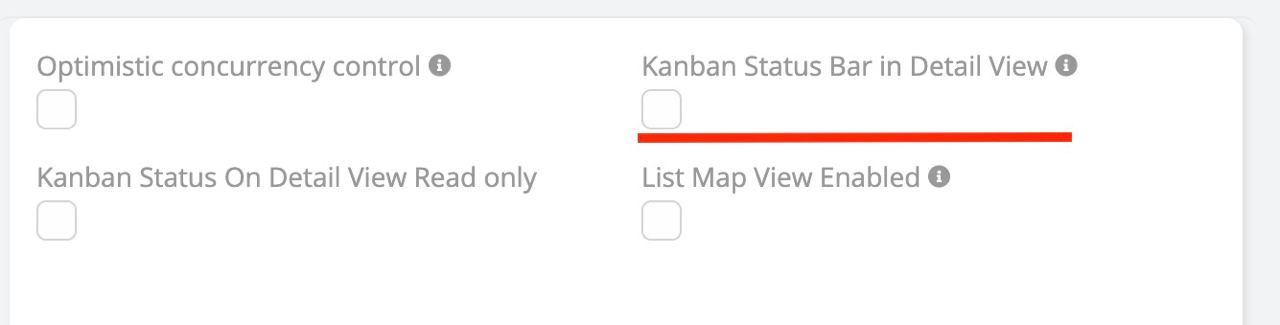
Kanban status bar in detail view
Kanban Status Bar in Detail View
Visualize the progress of a record (like a sales stage or support ticket status) directly in the Detail View.
- Display: Renders the Enum field (typically "Status" or "Stage") as a chevron-style process bar.
- Configuration: Enable in
Entity Manager>{Entity}>Edit(Entity definitions).
- Interaction: Users can clearly see the current stage and the progression flow.
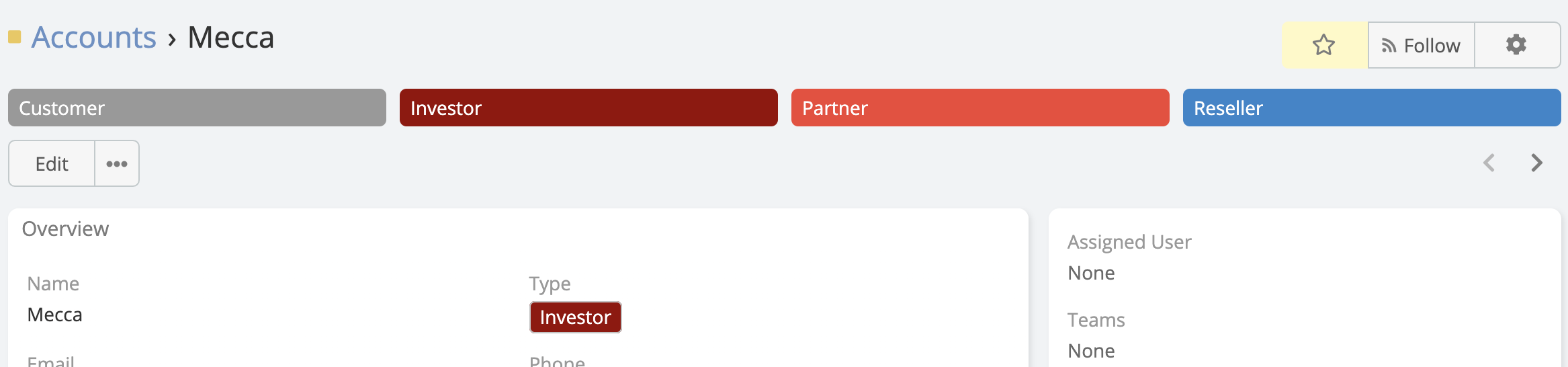
Enable Kanban Status Bar in Detail View
- Go to Administration -> Entity Manager -> {Entity Type} -> Edit .