Ebla Share 
Ebla Share helps you create public share links for EspoCRM files and attachments. You can send a link outside EspoCRM, set an expiration date, and see when the link was accessed.
Overview
Ebla Share adds a simple sharing flow to EspoCRM records that contain files or attachments. It is designed for teams that need to send documents to customers, partners, or other external users without giving them direct access to EspoCRM.
With this extension, you can:
- create a public link for a single file or attachment list item,
- copy the link to your clipboard immediately after saving,
- open an existing share record to review the link details,
- set an expiration date for the public link,
- review access history for each shared file.
How it works
1) Share from a file field
When a record includes a file or image field, a share icon appears next to the file value. Click the icon to create a new sharing link.
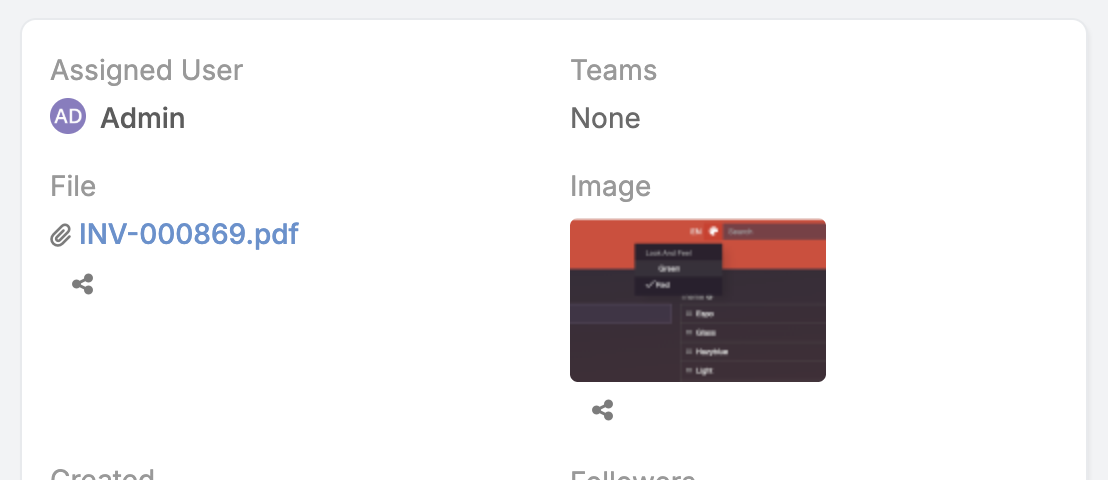
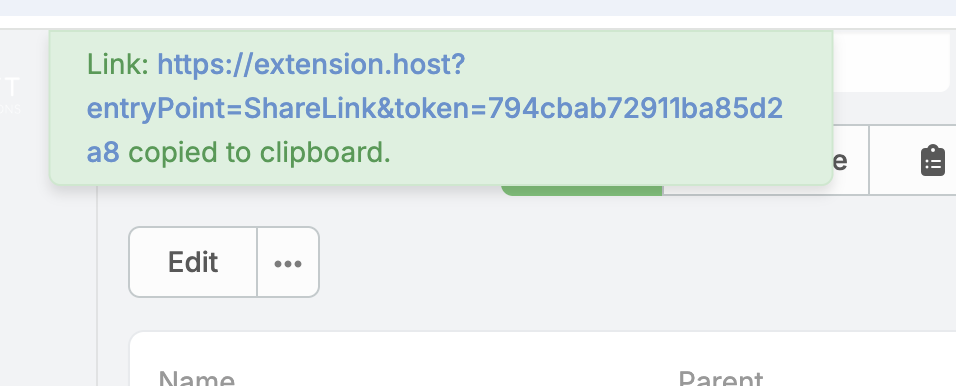
After the sharing record is saved, the public link is copied to your clipboard automatically. If a link already exists, the icon opens the existing sharing record instead.
2) Share from attachment lists
For attachment-multiple fields, Ebla Share adds a share icon to each attachment item. That lets you create a separate public link for each attached file.
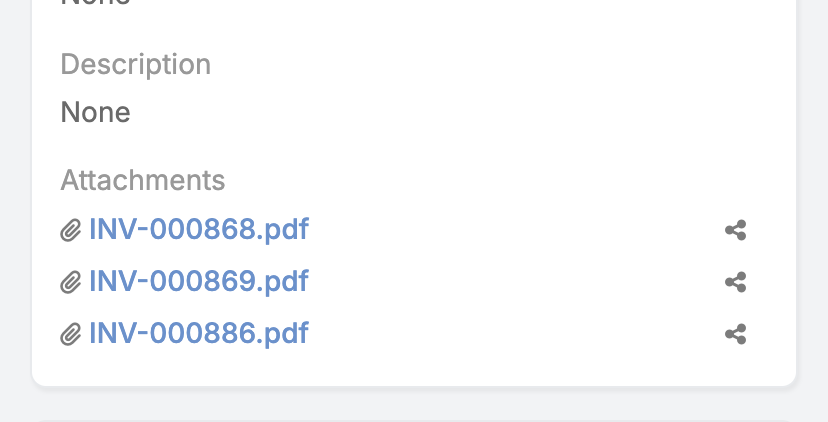
You can also reopen an existing shared link directly from the attachment item.
3) Copy a record link
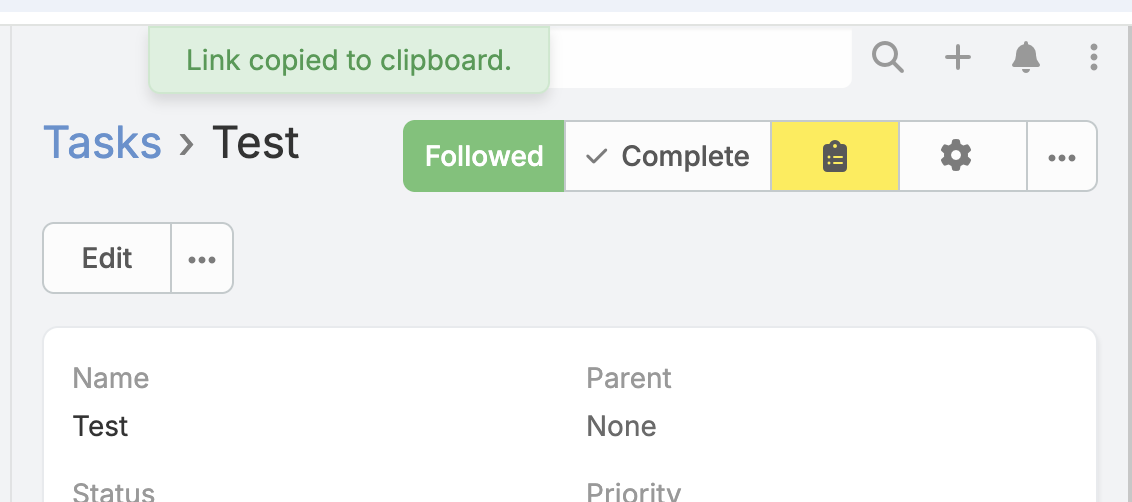
In supported record views, Ebla Share adds a Copy link action so you can copy a shareable API link from the record itself.
Public link page
A public link opens a download page for the shared attachment. If the link is still valid, the visitor can access the file without logging in. If the link has expired, access is blocked.
Access logging
Ebla Share keeps an access log for each sharing link. This helps you review when a file was opened and from which IP address.
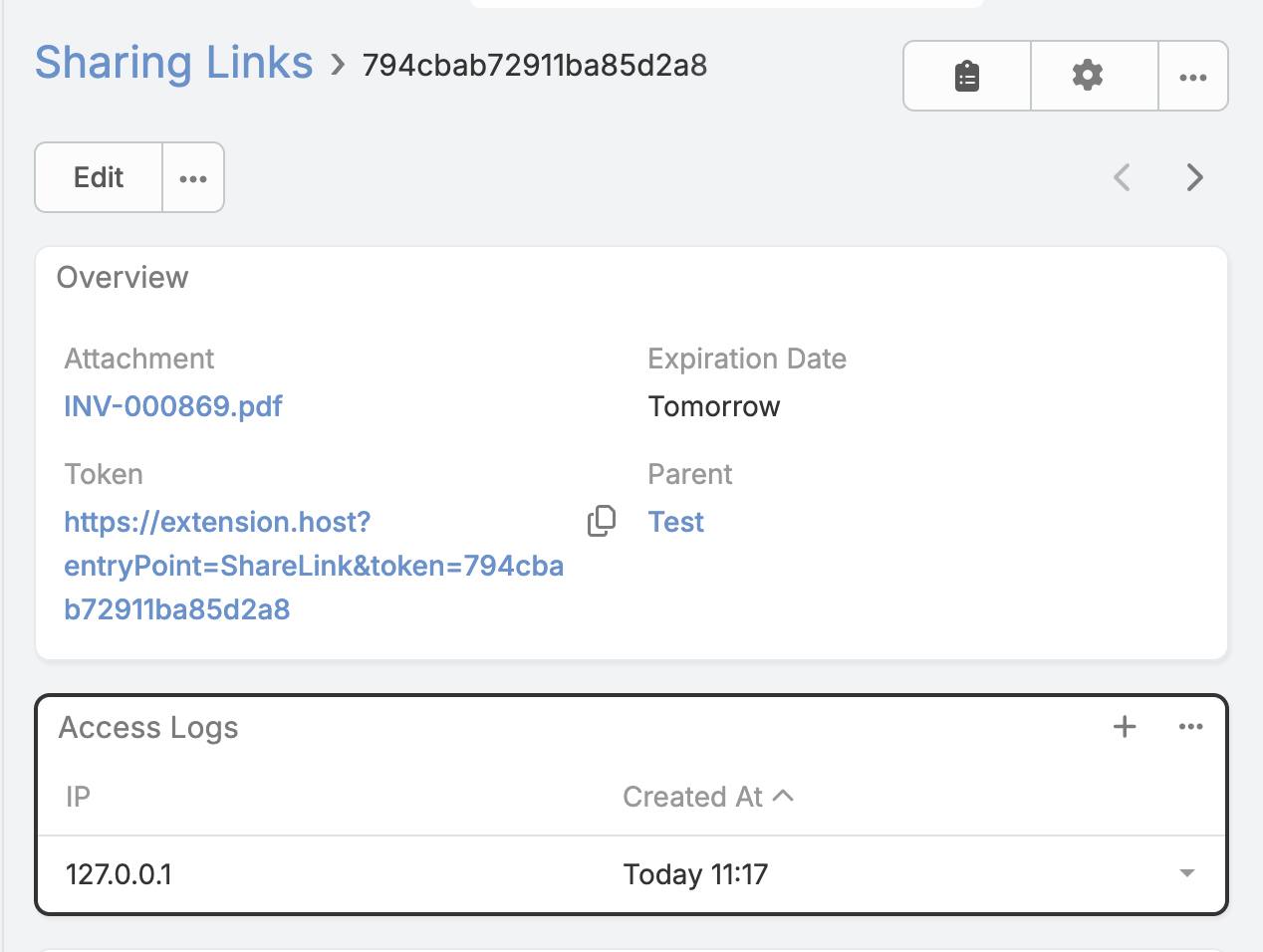
You can open the sharing record and review the related access log entries from the detail page.
Expiration and cleanup
Each sharing link can have an expiration date. This gives you control over how long a public file remains available. When a file is removed from EspoCRM, related sharing links are also cleaned up.
Typical use cases
- Send a contract or proposal to a client.
- Share a receipt, image, or document with an external partner.
- Give temporary access to a file without exposing the full EspoCRM record.
- Track whether a shared file has been opened.
Support
For help, installation questions, or product guidance, please contact Eblasoft support.