Ollama Integration Setup
API Setup
- Go to Ollama and download it.
- Run Ollama app.
-
Open Terminal/CMD app and pull one of the models using this command for example:
4. Default Ollama API url is:ollama run llama3http://localhost:11434
EspoCRM Setup
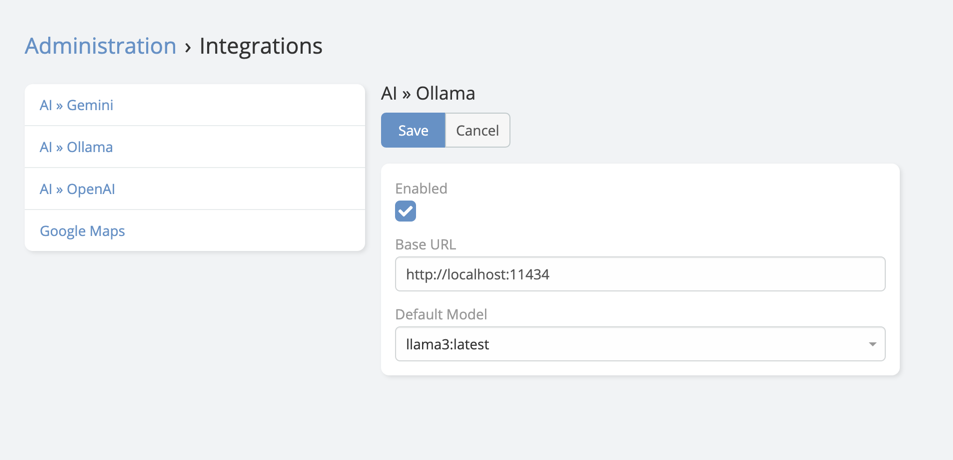
- Navigate to Administration -> Integrations -> Ollama.
- Paste the API Base URL.
-
Choose the default model you want to use.
Final Step in AI Settings
After saving the integration:
- Navigate to Administration -> AI Settings.
- Open the General tab.
- Set Default AI Provider to Ollama.
- Save.
Capability Notes
Ollama is mainly useful for local text-generation and chat scenarios.
Feature support depends on the model you run locally.
In the current extension documentation set, Ollama should not be assumed to support:
- Image generation
- Speech generation
Test the selected local model before enabling more advanced AI workflows.