Email Translation
Email Translation translates an email into the current user's language using AI.
Video
Requirements
Users need:
AiaccessAi Email Composeraccess- Read access to Email
- A configured default AI provider
Administrators also need:
- Enable Email Translate turned on in AI Settings -> Translate
- A configured AI Email Translate Default Prompt (recommended for consistent output)
Translating an Email
- Open an Email.
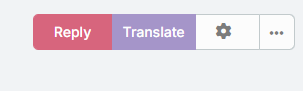
- Click Translate.
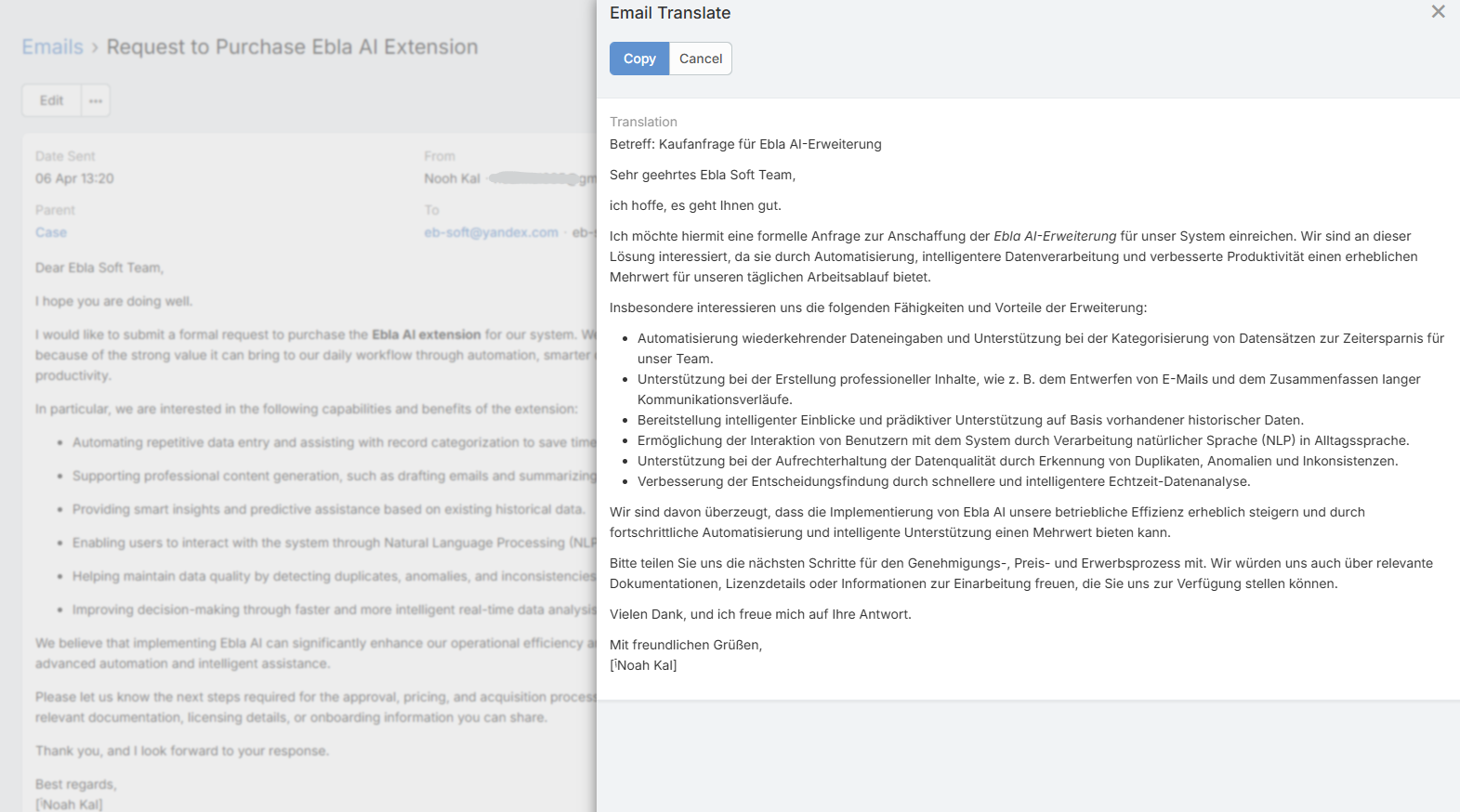
- Wait for the translation to complete.
- Review the translated text in the modal.
- Click Copy if needed.
Target Language Resolution
The target language is resolved automatically from:
- The user's language preference
- The system default language if the user has no language preference
Important Clarification
AI Translate Languages in AI Settings does not control the target language for email translation.
That setting is used for field and stream translation menus.
Email translation instead uses the user's resolved CRM language.
Prompt Placeholders
The email translation prompt can use:
{{language}}{{subject}}{{bodyPlain}}{{body}}
This makes it possible to create translation prompts that preserve tone or format.
Optional Translation Profile
You can assign AI Email Translate Default Profile if you want translations to use a dedicated provider or model.
If no translation profile is assigned, the feature falls back to the normal default profile behavior.