Image Analysis
Image Analysis lets users ask AI questions about uploaded images directly inside EspoCRM.
It is intended for image-based attachments such as screenshots, scans, photos, and similar visual files.
Video
Requirements
Users need:
AiaccessAi Visionaccess- A configured default AI provider
- A vision-capable provider or profile
Where It Appears
The current implementation exposes analysis in two places:
- On
Imagefields in detail view - In the image preview modal
Using Image Analysis
- Open a record with an image field.
- Click Analyze.
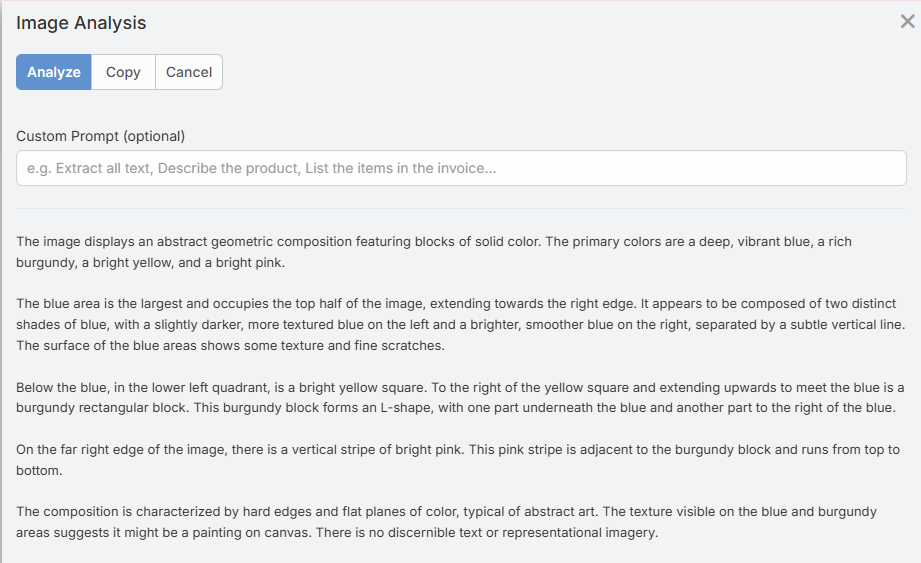
- Enter an optional prompt.
- Click Analyze in the modal.
- Review the result.
- Use Copy if you want to reuse the output elsewhere.
Supported File Types
The backend accepts image attachments only.
Supported formats:
JPEGPNGGIFWebP
Maximum file size:
10 MB
Prompt Usage
If you leave the prompt empty, the feature uses a default general image-analysis prompt.
Examples of useful prompts:
- "Extract the visible text from this image."
- "Summarize the key information in this screenshot."
- "Does this image contain a signature?"
- "List the line items visible in this receipt."
Formula Support
Image analysis is also available in formula:
eblaAi\analyzeImage(ATTACHMENT_ID, PROMPT, PROFILE_ID)
It returns the analysis text, or an error string starting with Error:.
See Formula for examples.
Limitations
- Only image files are supported
- PDF and document attachments are not analyzed by this feature
- Results depend on image quality and model capability
- A text-only provider or model will fail for vision requests